
How to Invest and Grow Your Money
Beginner investors often feel overwhelmed – but you don’t have to. With a little guidance, you can learn how to...

How Do You Sync iPhone and iPad? The Only 3 Steps You Need
If you own enough Apple devices, sooner or later you’ll want to sync them. Here’s how to do it with...

7 Steps to Achieve Financial Independence and Retire Early (FIRE)
Retirement may seem like a fantasy, but it doesn’t have to be. Learn about the Financial Independence, Retire Early (FIRE)...

How to Make a Profit and Loss Statement for a Small Business
Profit and loss statements can help you track your business performance, identify areas where you can grow, and predict upcoming...

Emergency Fund Guide: How Much and How to Build One
An emergency fund can be your first line of financial defense during a crisis. Here’s how to determine how much...

Private Equity Investment: What It Is and How to Track It in Quicken
Interested in private equity? Learn what it is, how to get into it, and how to track it from the...

Basic Balance Sheet Examples: How to Create and Read Them
Learn how to create or read a balance sheet — and analyze any company’s financial health, including your own —...

Get the Most out of Quicken Simplifi
Simplifi by Quicken just got better! To unlock the full power of the Simplifi personal finance app, check out these...
A Warm Welcome to Mint Users from Eric Dunn, Quicken CEO
As CEO of Quicken Inc, the makers of Quicken Simplifi and Quicken Classic, I would like to extend a warm...

Quicken Classic for Windows — Tips & Tricks
Get even more out of Quicken Classic for Windows. Try these tips and tricks to harness the full power of...
Refreshed. Revamped. Renewed. This is Quicken at 40.
Journey through time from 1984 to 2023 as we reflect on four decades of innovation — and ring in a...

Inside the Simplifi 4.1 Upgrade: An Interview with Quicken’s Product Team
In an exclusive interview, Kristen Dillard, VP of Product Management, and Rammohan "Ram" Akula, Lead Developer, take us behind the...

Quicken’s Calendar: Keeping You Up to Date on the State of Your Finances
Quicken’s calendar view offers a daily snapshot of your financial health. Get a clear, concise picture of your income, expenses,...
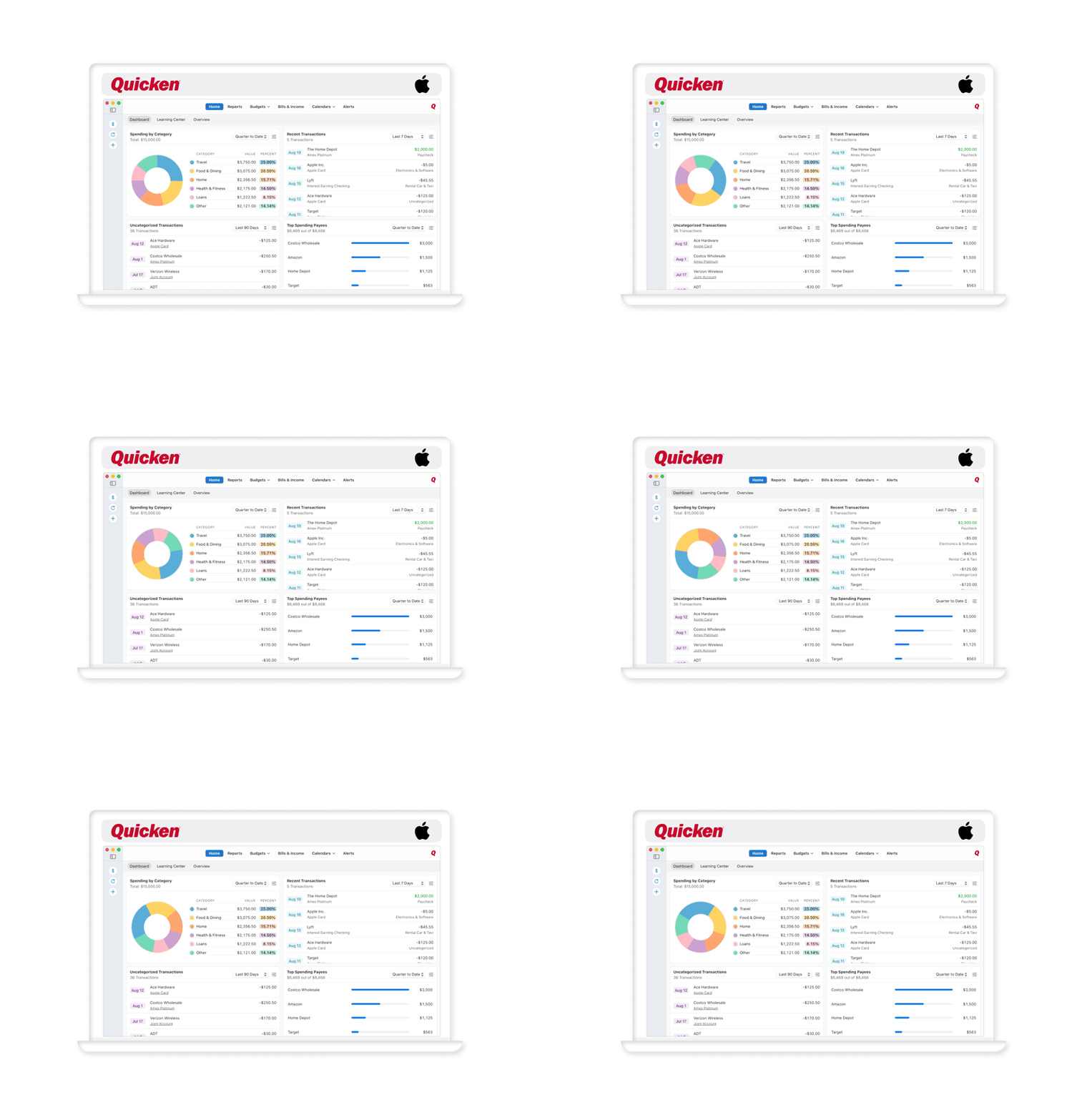
Quicken Mac Tips
Want to get even more out of Quicken for Mac? Try these tips and tricks to tap into the full...
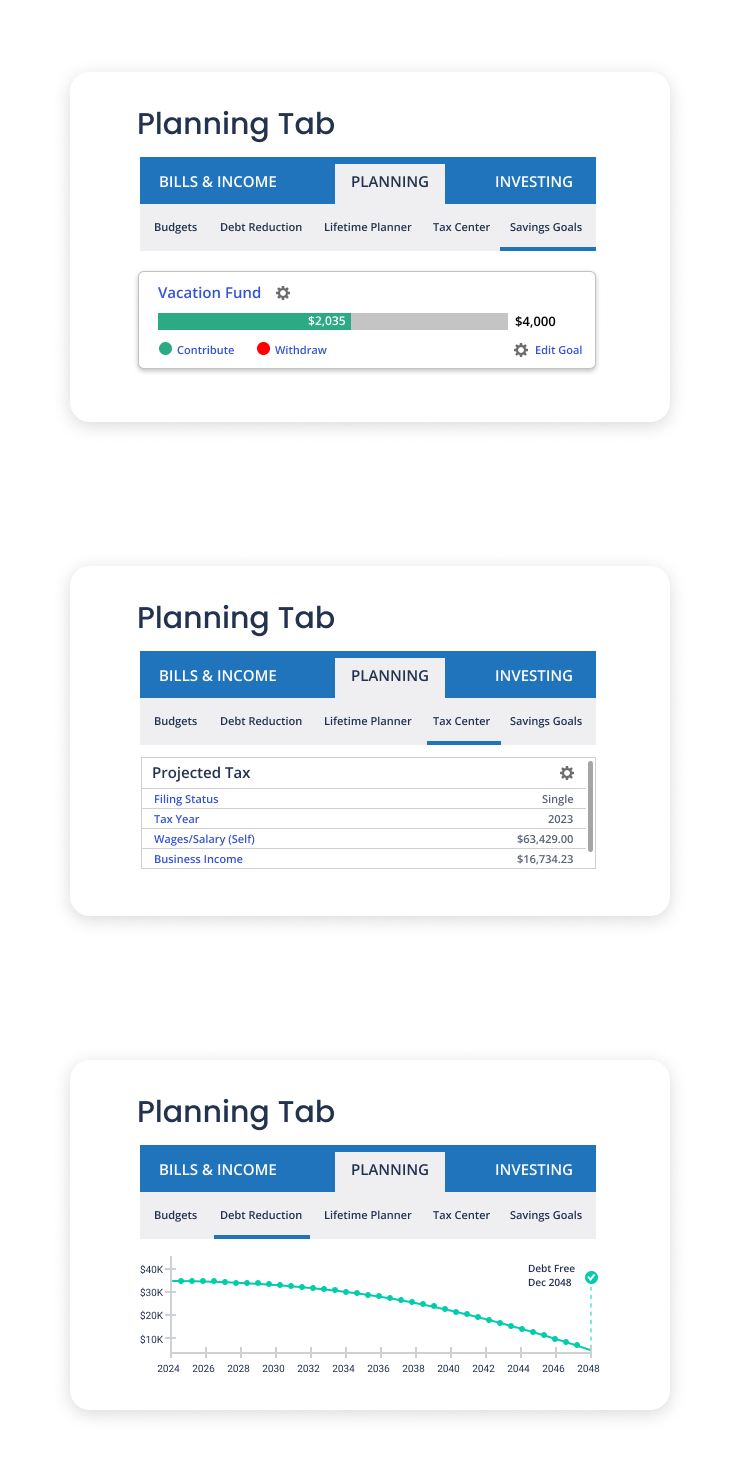
Exploring the Planning Tab in Quicken for Windows
The Planning tab in Quicken for Windows is your key to a bright financial future. Budgets, Debt Reduction, Lifetime Planner,...
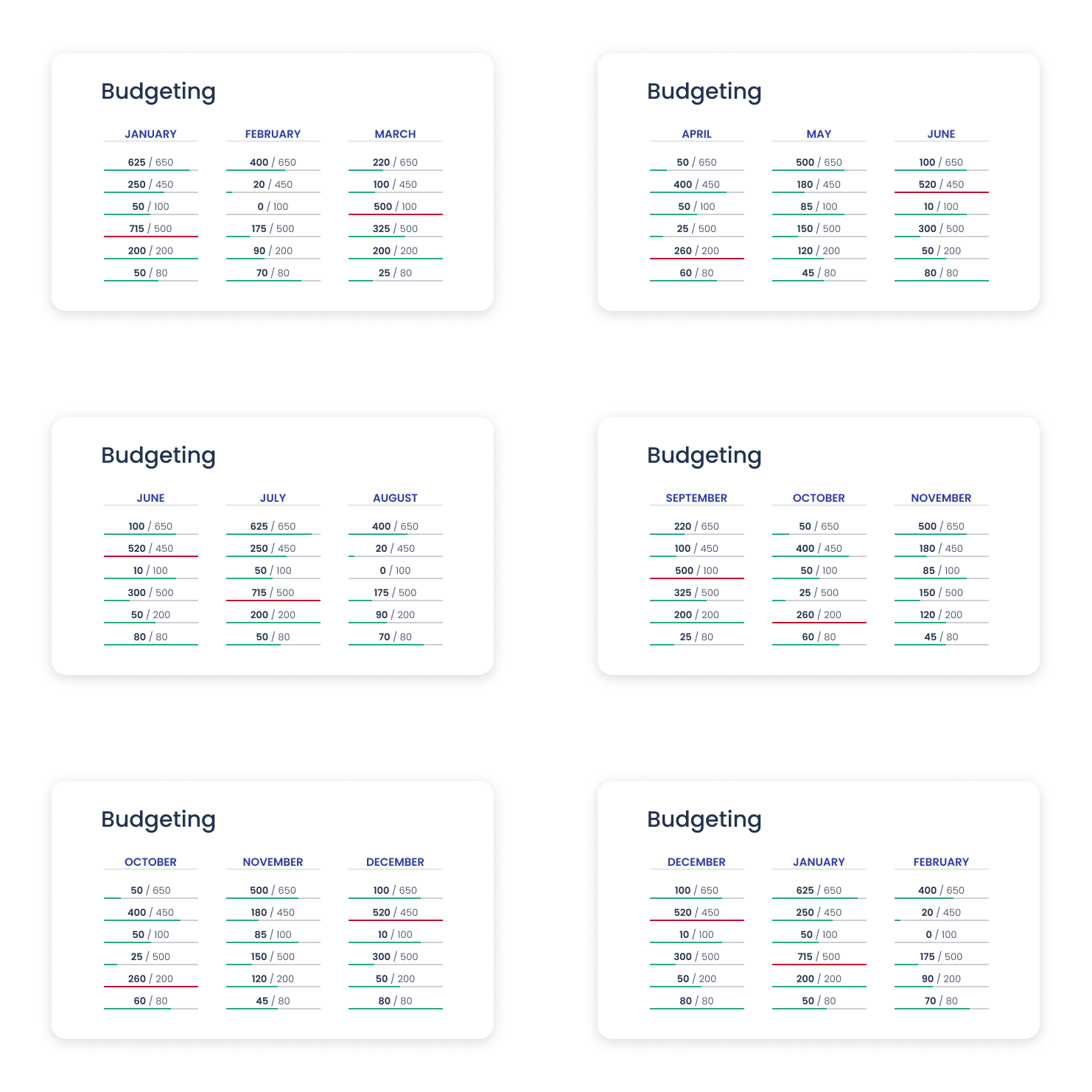
Meet Your New Financial Assistant: Quicken for Mac’s Budget Tab
With Quicken for Mac's Budget tab, you can easily track your spending. Create a budget, customize your categories, set spending...

Use Quicken Check Printing to Stay on Top of Your Spending
Printing checks directly from Quicken can be a cost-effective and convenient way to manage your finances. Here’s how it works...

The 50/30/20 Rule and How to Use It
The 50/30/20 rule is a simple budget system: spend 50% of your income on wants, 30% on needs, and 20%...