How can you get insights across your business & personal finances?
Quicken Business & Personal reports provide everything from P&Ls to tax deductions to your complete net worth.
See profit & loss, investments, tax schedule reports & more. Run every business & personal finance report you need, all in one place.
Run profit & loss reports, cash flow statements, balance sheets, tax schedule reports & more. Organize your dashboard to see spending by project, net income by client, or anything else you need.
Reports for Schedules A–C, E & F and Form 1040 are built right in, so you capture every deduction, both business & personal. Reports match tax schedules line by line, making tax prep easier than ever.
Quicken Business & Personal includes all the features of our award-winning personal finance app, Quicken Simplifi. Track all your investments across your entire portfolio.
Seeing your true net worth can be a challenge — your home, personal investments, and business assets. Quicken Business & Personal tracks them all in one place, for your complete financial picture.
Get all the insights you need in one place

From your personal budget to your business profits, get all the insights you need. Reports can show business accounts, personal, or both — for a 360° view of your finances.
Run unlimited reports — with unmatched customization

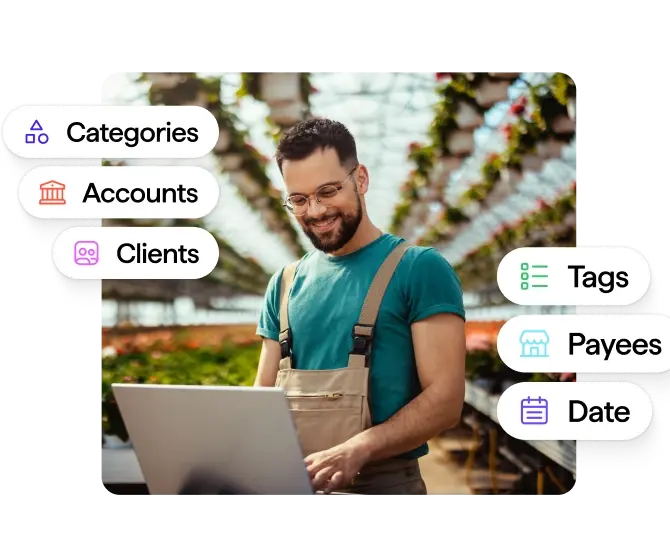
Customize tags, flags, categories, payee names & more. Filter reports by clients, projects, accounts, payees, tags, flags, categories, time frames, and much more — with no cap on the number of reports you can build and run.
Spot trends & make proactive decisions

Where are the highs and lows in your income & expenses? Plan ahead for both business & personal trends, so you can manage your money with confidence.
Quicken Business & Personal
Quicken Simplifi
Don’t have a business or freelance income?
Can I run business reports that are separate from my personal finances?
Yes. Every transaction in Quicken Business & Personal is categorized as either business or personal. Business reports like P&L or a balance sheet are designed to display your business data. Investment reports show your investment accounts. You can also generate custom reports to see anything you’d like to. When you run a report, you can filter it to see business categories and accounts, personal categories and accounts, or both. The system automatically filters transactions based on your choices.
What makes these reports "unlimited"?
You can create as many reports as you need, whenever you need them, with no restrictions on quantity or frequency. More importantly, you can customize every report with any combination of date ranges, categories, tags, accounts, or even specific clients and projects. Because you can customize tags and categories any way you like, there’s no limit to the ways in which you can choose to view your finances.
What's included in the Schedule C report?
Schedule C automatically maps your business income and expense categories to the exact line items on IRS Schedule C for sole proprietors. Quicken Business & Personal categorizes your transactions all year long, keeping your financial data up to date. We recommend reviewing these categories at least once a week, spending just a few minutes making sure everything looks correct while those transactions are still fresh in your mind. At tax time, run a Schedule C report to see your totals already calculated for each line item — just transfer the numbers to your tax return or send them to your accountant. You can also export tax schedule reports as .txf or .txj files that can be uploaded into tax reporting software such as Turbo Tax.
Can I run reports by individual client or project?
Yes. Attach any income or expense to a specific client or project name. Then, generate reports filtered by those clients or projects to see profitability per client, expenses per project, or any other breakdown you need.
What file formats can I export reports in?
The format depends in part on the report. In many cases, Quicken Business & Personal lets you download all the included transactions as a CSV file so you can work with them in any spreadsheet program you prefer. You may also be able to export the included transactions as an Excel file, or export the chart or graph as a PDF. You can even export tax schedule reports as .txf or .txj files that can be uploaded into tax reporting software such as Turbo Tax. This variety of options is especially helpful when sharing your finances with an accountant or financial advisor.
How current is the data in reports?
Reports update in real time as transactions download from your connected accounts. Generate a P&L right now and it includes every transaction Quicken Business & Personal has downloaded up to this moment, so your reports always reflect your latest financial data.