
Overview
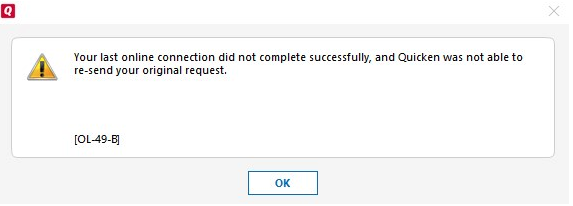
You may receive the following message while using online services in Quicken:
OL-49-B
To resolve this issue
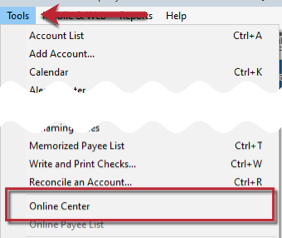
- Choose Tools menu > Online Center.
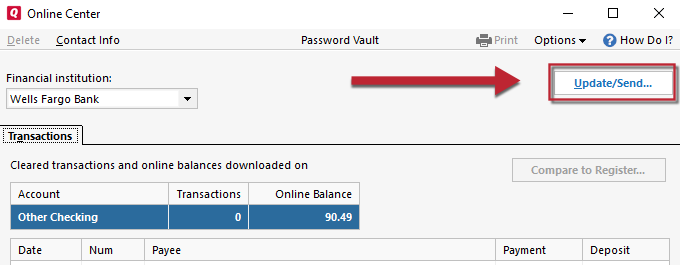
- Hold CTRL + Shift on your keyboard and click Update/Send.
- When prompted to clear the error recovery, click Yes.
After the update is complete, attempt your online session again.


Community Content
Article ID: GEN00870