
Overview
Want to make sure you have the latest patch update for your Quicken software? You've come to the right place!
Before you begin
While we provide the patch update below, they can also be found in Quicken by going to Help > Check for Updates.
You can check your release version by opening Quicken and going to Help > About Quicken.
If you reinstall Quicken, make sure you've installed the latest patch release before opening your data file; otherwise, you may be unable to use online services.
Important: If you missed any releases, don't worry. You only need to download the most recent release to update Quicken.
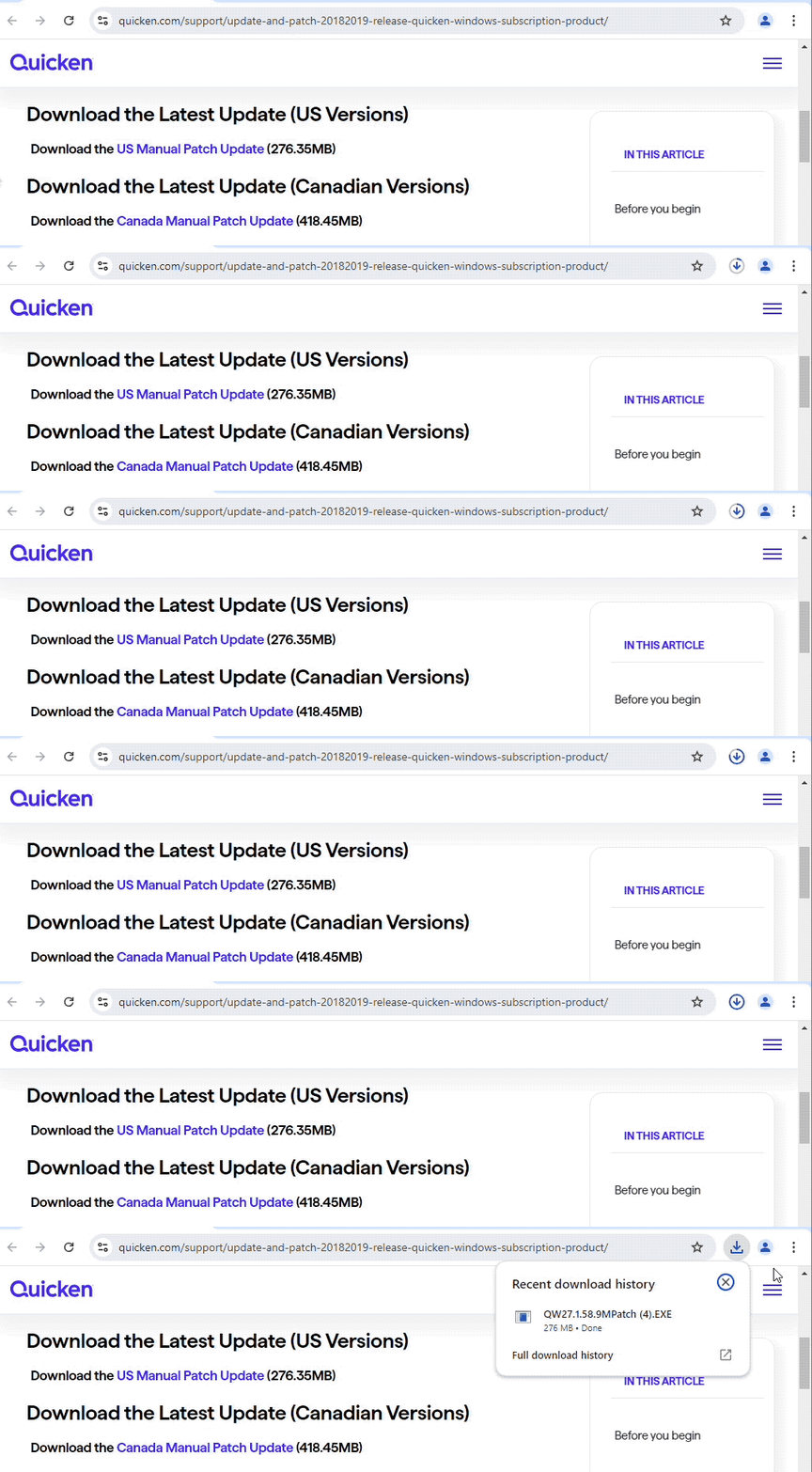
Download the Latest Update (US Versions)
Download the
Download the Latest Update (Canadian Versions)
Download the
How to Install the Update (US and Canada)
How can we help?
✖Still need help? Contact Us
Click on the link above for the update you prefer (these steps apply to both).
In the lower-left corner of your browser, click Open file when the download is complete.
Follow the on-screen instructions to install the update.
When finished, you can verify the release version of Quicken by selecting the Help menu in the software and choosing About Quicken.
Release Notes (U.S.)
Version R69.29 (US Versions, September 2026)
What's Fixed
FIXED - Resolved issues that could cause unexpected crashes in some situations.
Version R69.26 (US Versions, September 2026)
What's Fixed
FIXED - Resolved issues that could occasionally cause crashes.
Version R69.25 (US Versions, September 2026)
What's Fixed
FIXED - Issues causing crashes in some instances.
Version R69.21 (US Versions, August 2026)
Quicken LifeHub Integration
FIXED - Resolved an issue where line breaks in LifeHub Notes were not preserved in the desktop preview, causing notes to display as a single continuous block of text.
Version R69.17 (US Versions, August 2026)
Retail Purchase Categorization
NEW - Automatically download and categorize your Amazon purchases based on product descriptions. Get started by going to Tools > Retail Purchase Categorization.
Quicken LifeHub Integration
NEW - Quicken now integrates with LifeHub. If you have a LifeHub subscription, you can view your important records, check sharing status, and stay on top of reminders, all without leaving the app.
Quicken Family Enterprise
IMPROVED - Made it easier to set up and manage entities and entity groups.
FIXED - Resolved a missing Cash entry when grouping the Portfolio view by entity.
Investing and Reports
IMPROVED - Updated Net Worth graphs and reports to show the change between periods.
FIXED - Resolved an incorrect day gain or loss display in the Portfolio view.
Bills & Income
FIXED - Resolved an issue with bill amounts not updating after a sync.
Import and Export
FIXED - Resolved an issue preventing mileage information from being exported or imported.
Other Improvements
IMPROVED - Made memorized split percentages easier to find and use.
Other Fixes
FIXED - Resolved an issue where the memorized payee list could jump to the wrong entry after a deletion.
Stability
FIXED - Resolved issues that could cause crashes or slow performance.
For previous release notes,
Release Notes (Canada)
Release R68.32 (Canada Versions, July 2026)
What’s New
Added column reordering to account registers.
What’s Improved
Updated Customer Statements to remember the previously selected customers.
What’s Fixed
Resolved an issue where bill reminders could lose their category after matching.
Resolved an issue where newly added categories and securities were missing from saved reports.
Resolved an issue with the default interval for the portfolio graph by account on the Home tab.
Resolved an issue where investment transaction amounts for Cash transactions were sometimes overwritten by the memorized payee amount.
Resolved an issue where custom asset classes all appeared black in the asset allocation chart.
Resolved issues that could occasionally cause crashes.
For previous release notes,
Troubleshooting
If you click the link for the patch and the download doesn't begin, make sure your browser does not have a pop-up blocker enabled that could be preventing the patch from downloading.
If you are seeing an Unable to check for updates, the server file failed to load error, you find more information on that message by
clicking here .
If you encounter any additional problems while attempting to download the Manual Patch, please reach out to

