
Overview
Want to make sure you have the latest patch update for your Quicken software? You've come to the right place!
Before you begin
While we provide the patch update below, they can also be found in Quicken by going to Help > Check for Updates.
You can check your release version by opening Quicken and going to Help > About Quicken.
If you reinstall Quicken, make sure you've installed the latest patch release before opening your data file; otherwise, you may be unable to use online services.
Important: If you missed any releases, don't worry. You only need to download the most recent release to update Quicken.
Download the Latest Update (US Versions)
Download the
Download the Latest Update (Canadian Versions)
Download the
How to Install the Update (US and Canada)
How can we help?
✖Still need help? Contact Us
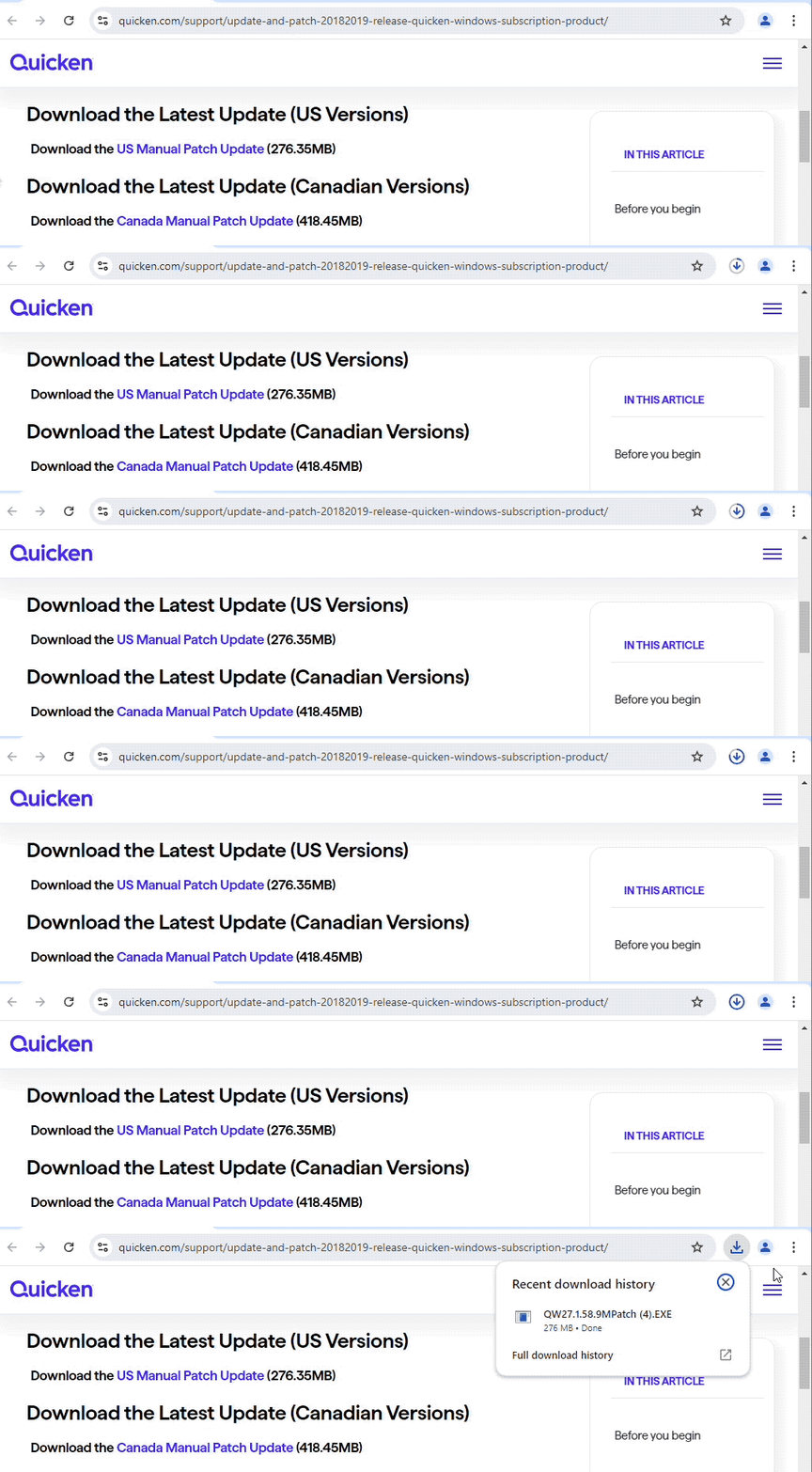
Click on the link above for the update you prefer (these steps apply to both).
In the lower-left corner of your browser, click Open file when the download is complete.
Follow the on-screen instructions to install the update.
When finished, you can verify the release version of Quicken by selecting the Help menu in the software and choosing About Quicken.
Release Notes (U.S.)
Version R67.7 (US Versions, April 2026)
Tax and Planning Tools
IMPROVED - Added a Monte Carlo simulation view to the Lifetime Planner that shows median, upside, and downside projections for net worth over time, along with the probability that your plan remains funded through the end.
FIXED - Modified the Tax Reports to include transactions with categories associated with tax line items, even if the “tax-related” flag for the category is not set.
FIXED - Resolved an issue where investment accounts marked as excluded still appeared in the Lifetime Planner under Planning Assumptions.
Dashboard
IMPROVED - Added a "Last 12 Months" date range option to the Top Spending, Income & Expense, Portfolio Value, and Top Payees cards on the Home Dashboard.
FIXED - Resolved an issue where the "Last 6 Months" filter on the Portfolio Value dashboard card did not include the current month's data.
FIXED - Resolved a portfolio value mismatch between the card header and graph on the Dashboard.
Investing and Reports
IMPROVED - Enabled the updated Reports & Graphs Center and Customize Report screens for all users.
IMPROVED - Added the Category Type column to the Select Categories list in Customize Reports.
IMPROVED - Enabled printing for the Morningstar Portfolio X-Ray report.
IMPROVED - Added the ability to subtotal entity reports by Entity Group in Portfolio Value, Net Worth, and Income & Expense reports.
IMPROVED - For the Family Enterprise version, provided a new option to allow associating a Custom Portfolio View with an Entity.
FIXED - Fixed problem where the security symbol “COMP” conflicted with the market index ”INDEX:COMP”.
FIXED - Resolved an issue with incorrect values in the Net Worth report graph when summarized by Entity.
FIXED - Resolved an issue where the Account Balances report could display incorrect investment account balances.
Import and Export
FIXED - Resolved an issue where investment transfer transactions (such as BuyX and SellX) were split into two separate transactions after exporting and importing a QXF file.
FIXED - Resolved an issue where investment partnership security types changed after QXF export and import.
Bills and Payments
IMPROVED - Added a Rename Payee button to the Bill Payment Payees and Settings dialog for renaming Quick Pay and Check Pay payees.
IMPROVED - Added a "Don't show again" option to the scheduled payment matching prompt.
FIXED - Resolved an issue where the "Estimate Amount For Me" setting did not save on transfer reminders.
One Step Update and Sync
FIXED - Resolved an issue where scheduled updates could stop running after the first one.
FIXED - Resolved an issue where One Step Update could corrupt paycheck split amounts and details in files with Cloud Sync enabled.
FIXED - Resolved an issue where converting an account from Web Connect to Express Web Connect could create duplicate transactions.
FIXED - Resolved an issue where renaming rules were not applied to transactions downloaded into linked cash accounts associated with brokerage accounts.
Other Fixes
FIXED - Resolved an issue where some windows could extend beyond the screen in Large Font mode.
FIXED - Resolved issues that could cause unexpected crashes in some situations.
For previous release notes,
Release Notes (Canada)
Release R67.8 (Canada Versions, April 2026)
What’s Improved
Added a "Last 12 Months" date range option to the Top Spending, Income & Expense, Portfolio Value, and Top Payees cards on the Home Dashboard.
Enabled the updated Reports & Graphs Center and Customize Report screens for all users.
Added the Category Type column to the Select Categories list in Customize Reports.
Added a "Don't show again" option to the scheduled payment matching prompt.
What’s Fixed
Modified the Tax Reports to include transactions with categories associated with tax line items, even if the “tax-related” flag for the category is not set.
Resolved an issue where the "Last 6 Months" filter on the Portfolio Value dashboard card did not include the current month's data.
Resolved a portfolio value mismatch between the card header and graph on the Dashboard.
Resolved an issue where investment transfer transactions (such as BuyX and SellX) were split into two separate transactions after exporting and importing a QXF file.
Resolved an issue where investment partnership security types changed after QXF export and import.
Resolved an issue where the "Estimate Amount For Me" setting did not save on transfer reminders.
Resolved an issue where scheduled updates could stop running after the first one.
Resolved an issue where One Step Update could corrupt paycheque split amounts and details in files with Cloud Sync enabled.
Resolved an issue where converting an account from Web Connect to Express Web Connect could create duplicate transactions.
Resolved an issue where renaming rules were not applied to transactions downloaded into linked cash accounts associated with brokerage accounts.
Resolved an issue where some windows could extend beyond the screen in Large Font mode.
Resolved issues that could cause unexpected crashes in some situations.
For previous release notes,
Troubleshooting
If you click the link for the patch and the download doesn't begin, make sure your browser does not have a pop-up blocker enabled that could be preventing the patch from downloading.
If you are seeing an Unable to check for updates, the server file failed to load error, you find more information on that message by
clicking here .
If you encounter any additional problems while attempting to download the Manual Patch, please reach out to

